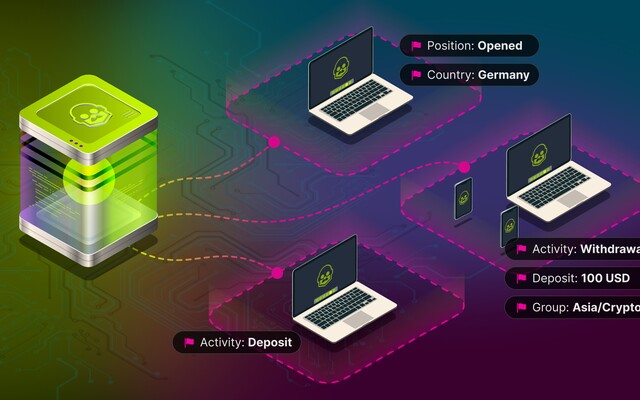
There's a difference between watching the dealing desk and watching one account. The dashboard gives you everything — all positions, all instruments, the full picture. But when a specific client is under scrutiny, that broad view doesn't help. You need to know the moment something happens on that account, not after you've scrolled past it.
That's what Account Activity does. Pick an account. Define what you want to track. Walk away. The trigger handles the rest.

Seven action types, one trigger
Any of the following can trigger an alert:
- Position opened
- Position closed
- Pending order created
- Pending order removed
- Order modified
- Account deposited
- Money withdrawn
That last one — withdrawal — matters more than it might seem. A withdrawal after an unusual run of profitable trades is a different event than a routine withdrawal from a long-term client. The trigger doesn't make that judgment, but it makes sure the dealer has the chance to.
Following the client, not just the account
Some clients don't stay in one account. They open several. They switch devices. They connect from different locations. The trigger supports additional identification parameters — IP, CID, email, name, internal company ID, geolocation — precisely for these cases. You can follow the client, not just the number.
The filter question
Without filters, account activity monitoring is just noise. Every small move generates an alert. The setting for minimum session profit and minimum deposit exists to solve this — the trigger only fires when the activity is significant enough to warrant attention. What "significant" means is up to the broker to define. The result should be a notification you can act on immediately, not one you have to think about first.
For clients where account activity overlaps with suspicious patterns across multiple profiles, combining this trigger with anti-fraud and abuse detection gives a more complete picture.